How we designed Yay World – a playful educational app for kids aged 2-7. From brand characters (the honest bear, soft rabbit, carefree raccoon, and humble hedgehog) to colorful interactive games covering alphabets, math, shapes, and music, this case study shows how we turned early learning into adventure.
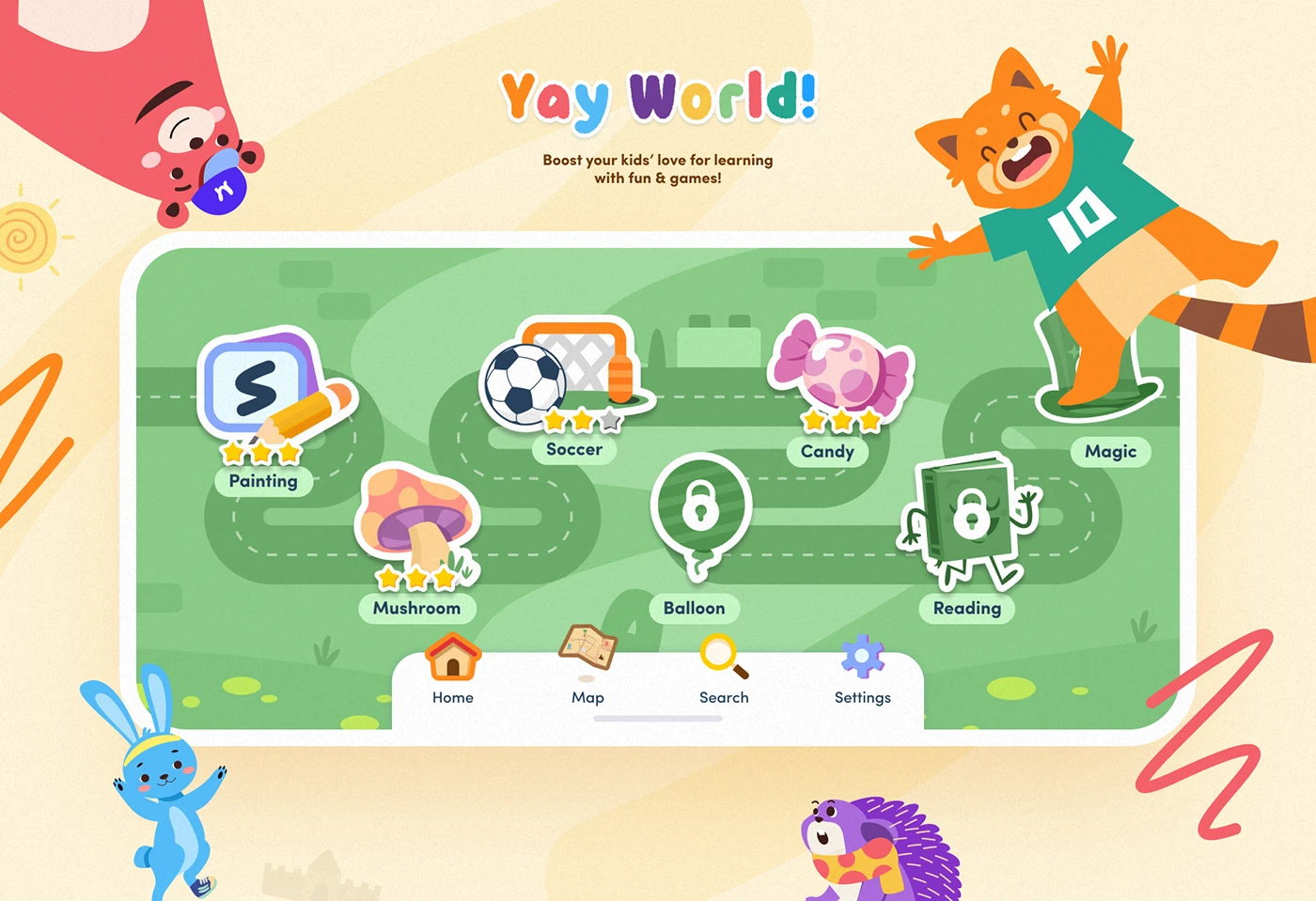
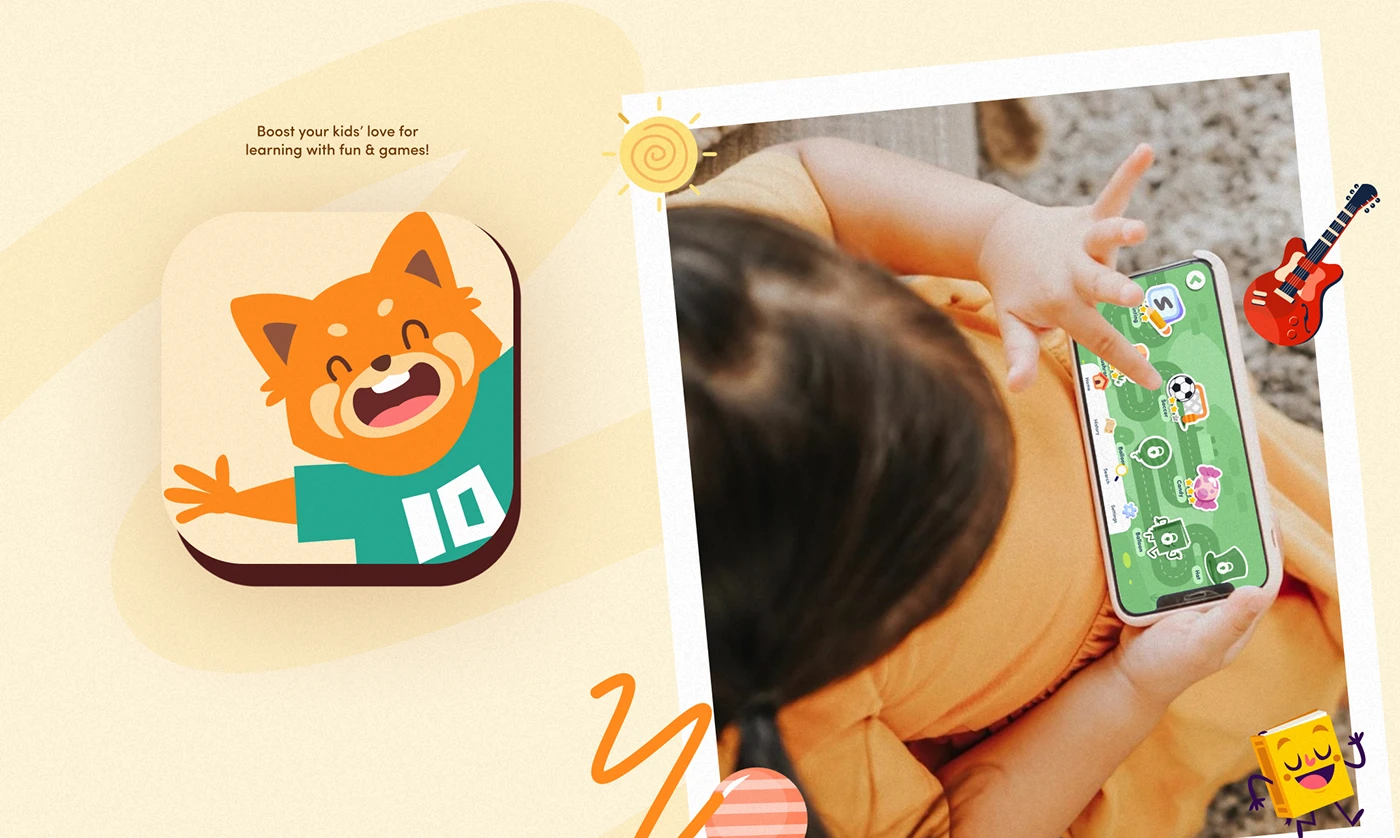
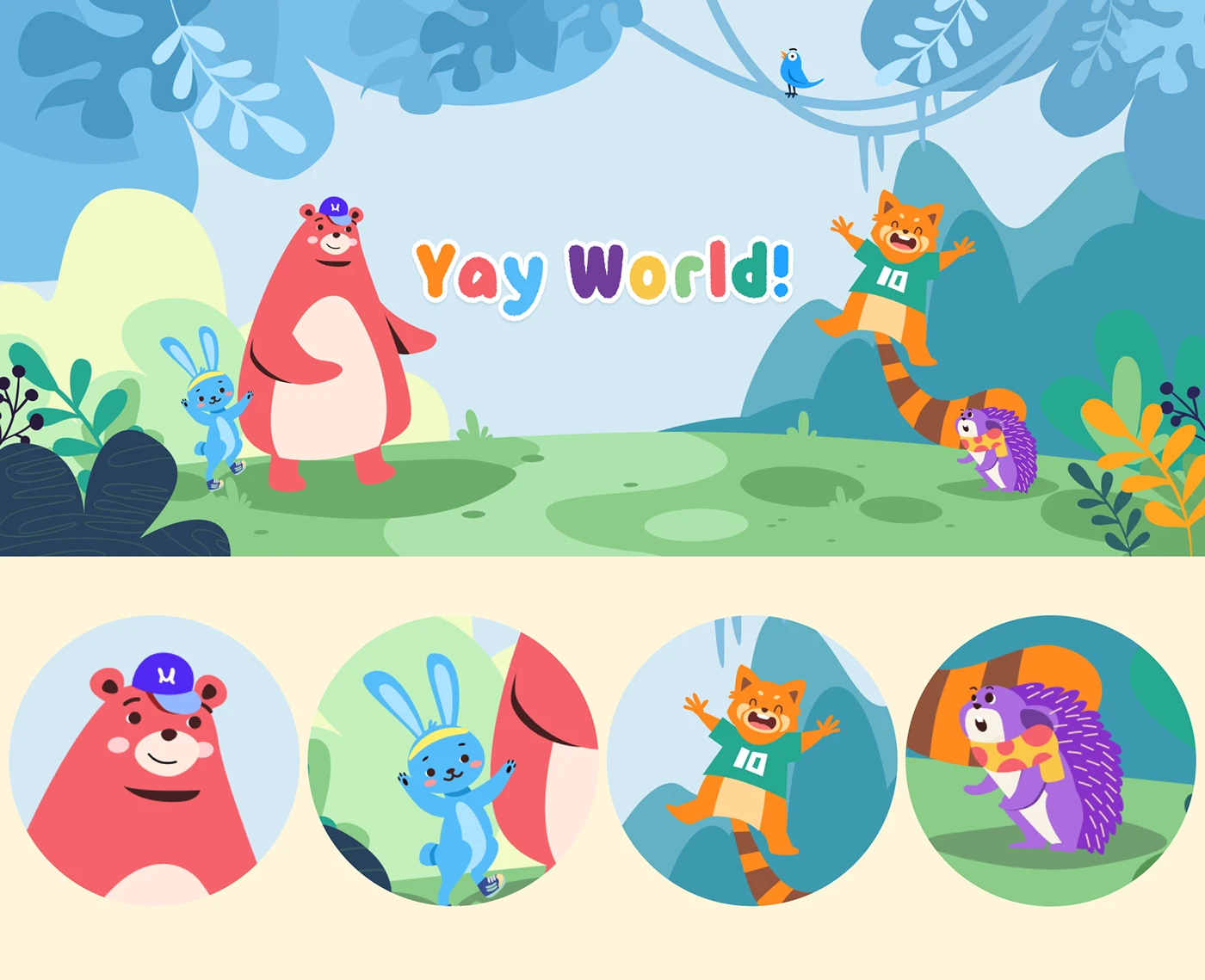
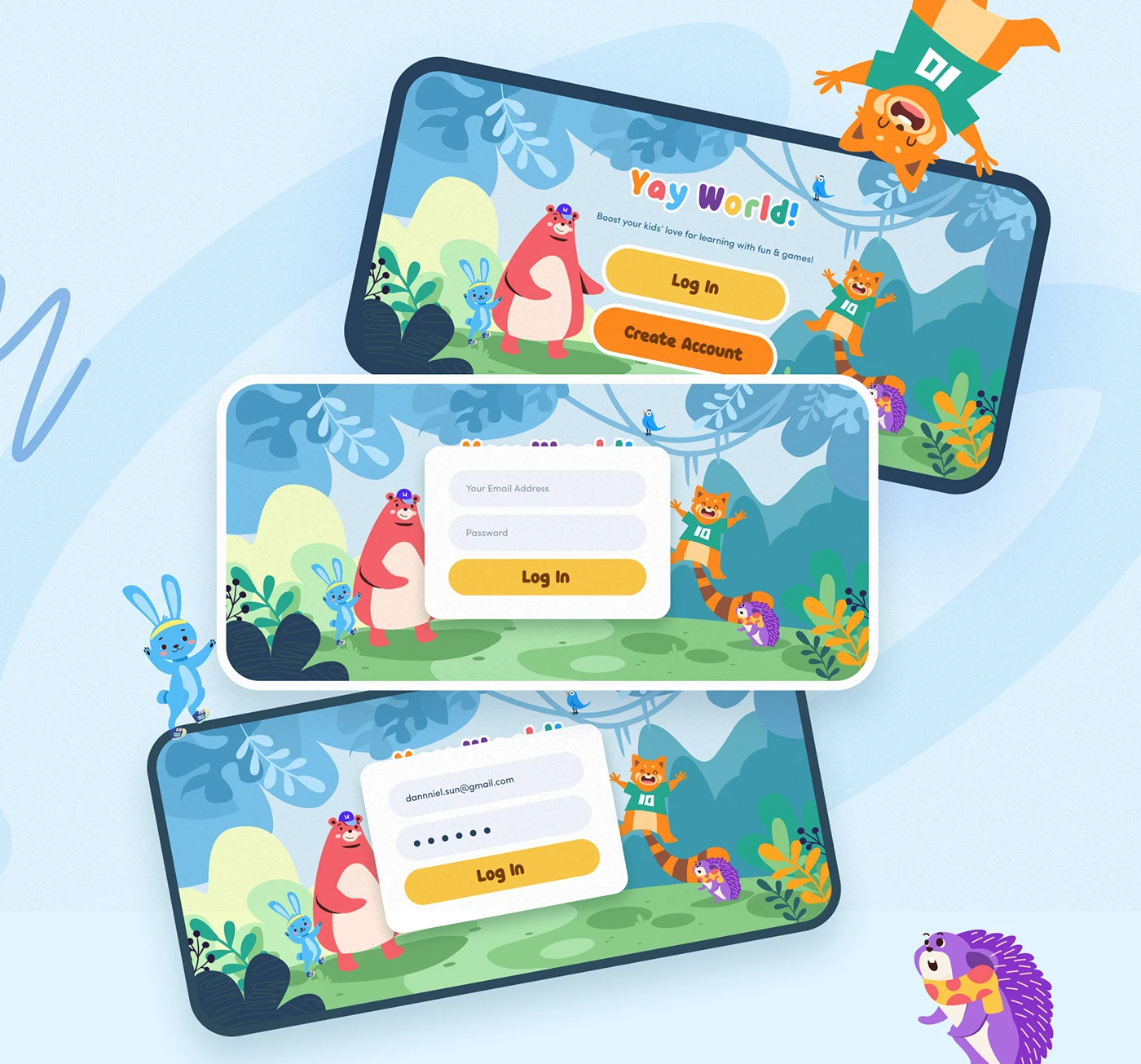
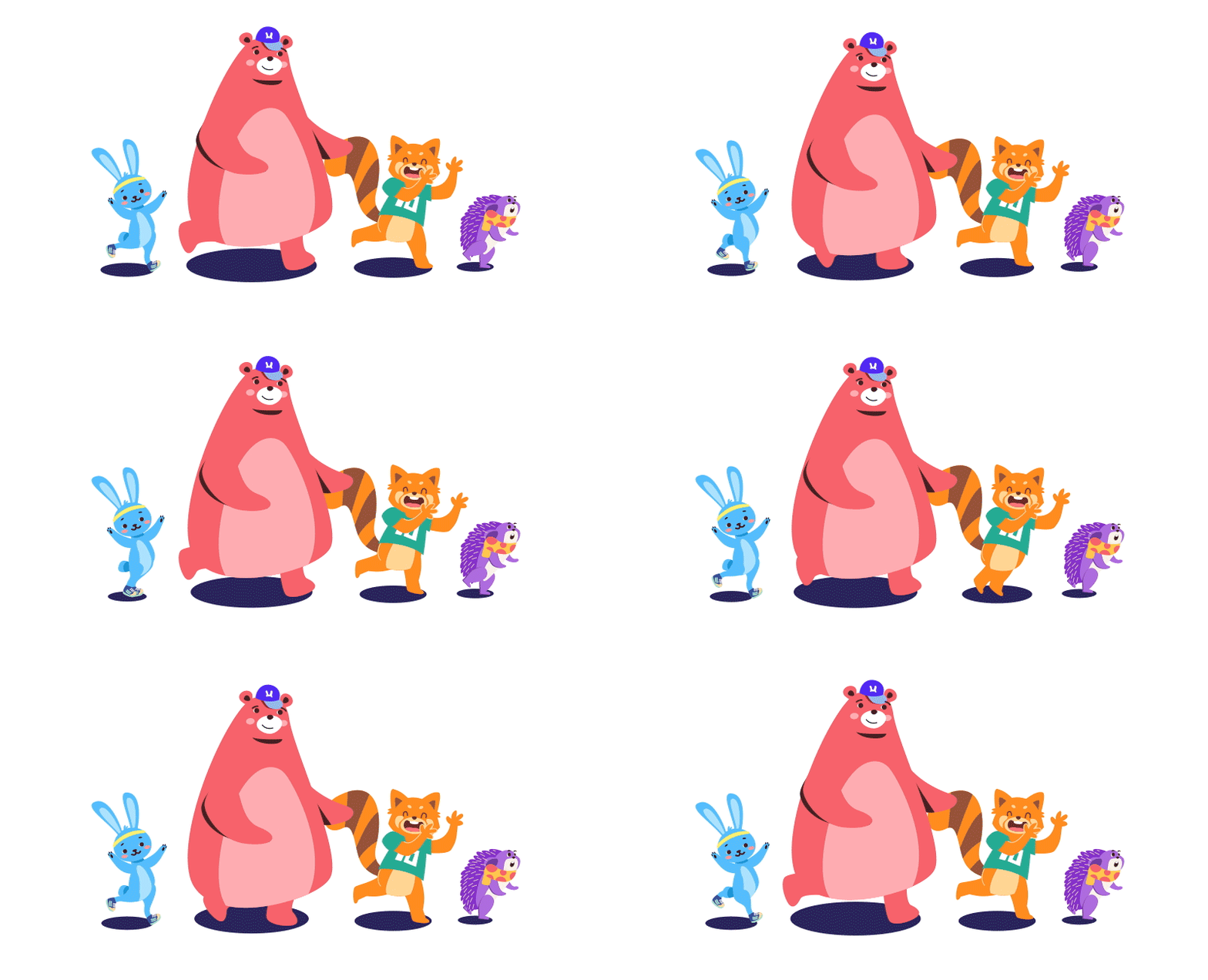
'Yay World!' is an educational app that provides a fun, engaging, and safe learning and exploration environment for pre-school toddlers aged 2-7. They offer a variety of educational games and activities covering different subjects such as alphabets, math, logic, shapes, colors, puzzles, animals, geography, music and more. They asked us to design their app to be visually appealing to kids with colorful graphics, animations, and interactive characters. We created a group of characters: the honest bear, the soft rabbit, the carefree raccoon, the humble hedgehog to be the representatives of the brand and the happiest raccoon was chosen as the icon for their app.
Yay! World — Educational App for Children
Project Overview
Yay! World is an educational app for preschoolers aged 2–7, designed to teach English vocabulary through interactive games. The client wanted the product to stand out visually from traditional educational software, using colorful graphics, animations and interactive characters to engage kids.
Design Approach
We started by defining the visual direction. Instead of generic high-saturation colors, we chose a warm, friendly palette — soft yellows, natural greens and character-driven accent colors — that feels cheerful but not overwhelming. The illustration style is flat with subtle texture, giving a hand-drawn, approachable feel.
Character Design
We created four original characters to anchor the brand:
Each character has its own color palette and outfit so kids can recognize them at a glance. The raccoon was chosen as the app icon for his expressive, high-energy personality.
UI Design
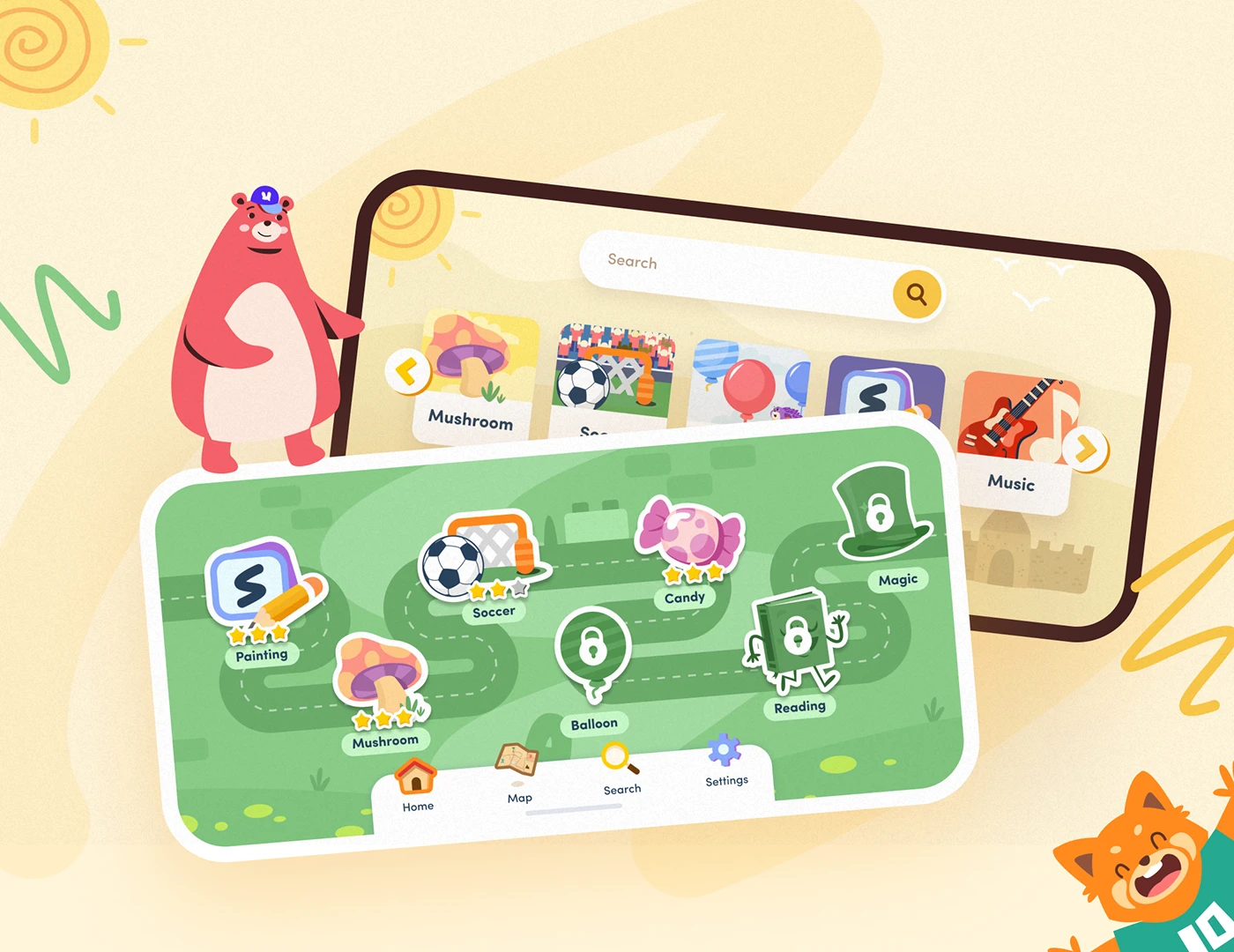
The home screen is a game map rather than a standard icon grid. Kids follow a path through a green world, unlocking new game stations as they progress. Completed levels show star ratings; locked levels show a padlock. This avoids overwhelming young users with too many choices and gives them a clear sense of direction.
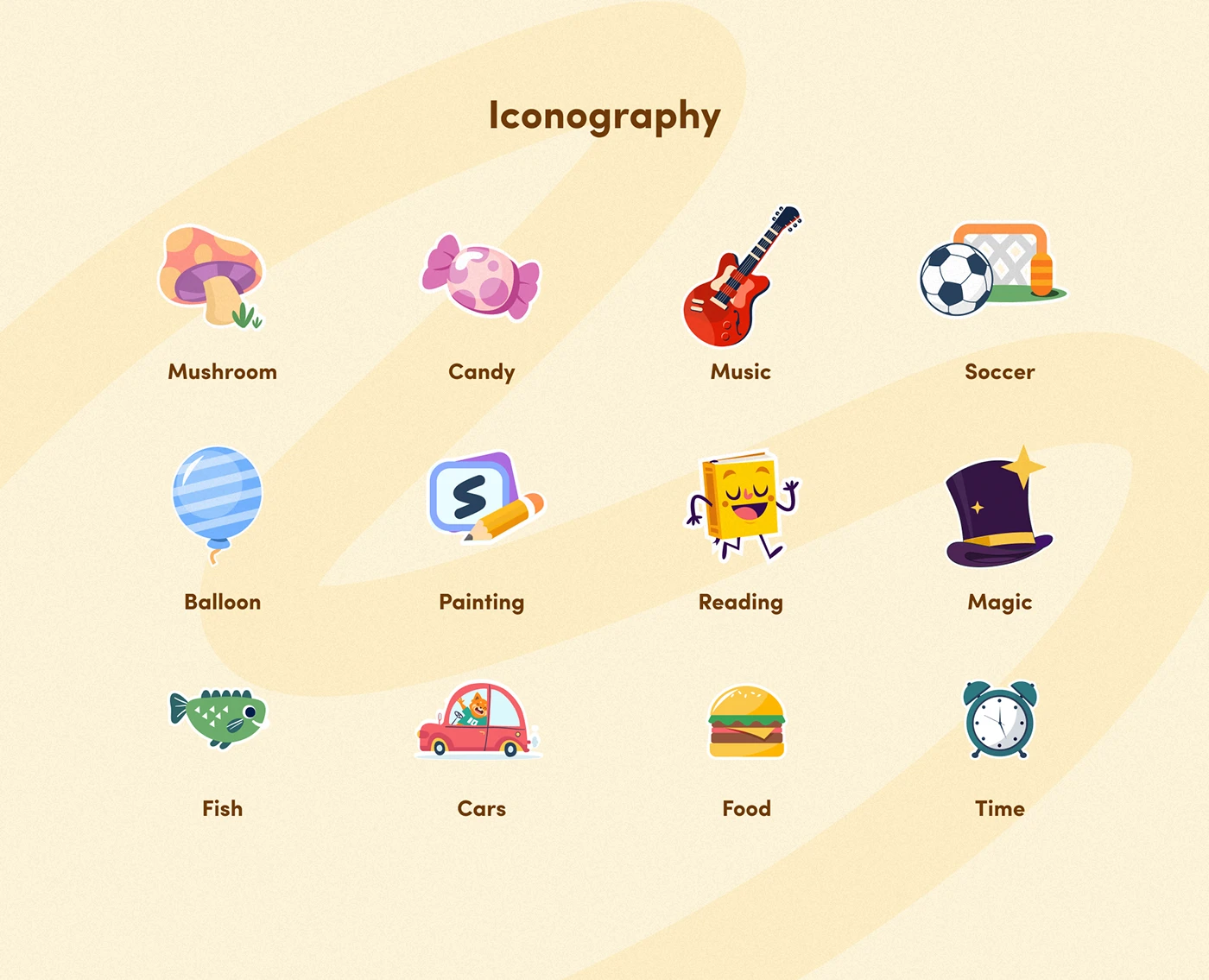
We built a full hand-drawn icon system — mushroom, candy, music, soccer, balloon, painting, reading, magic, fish, cars, food, and time, twelve in total. Every icon was redrawn multiple times to stay recognizable at small sizes.
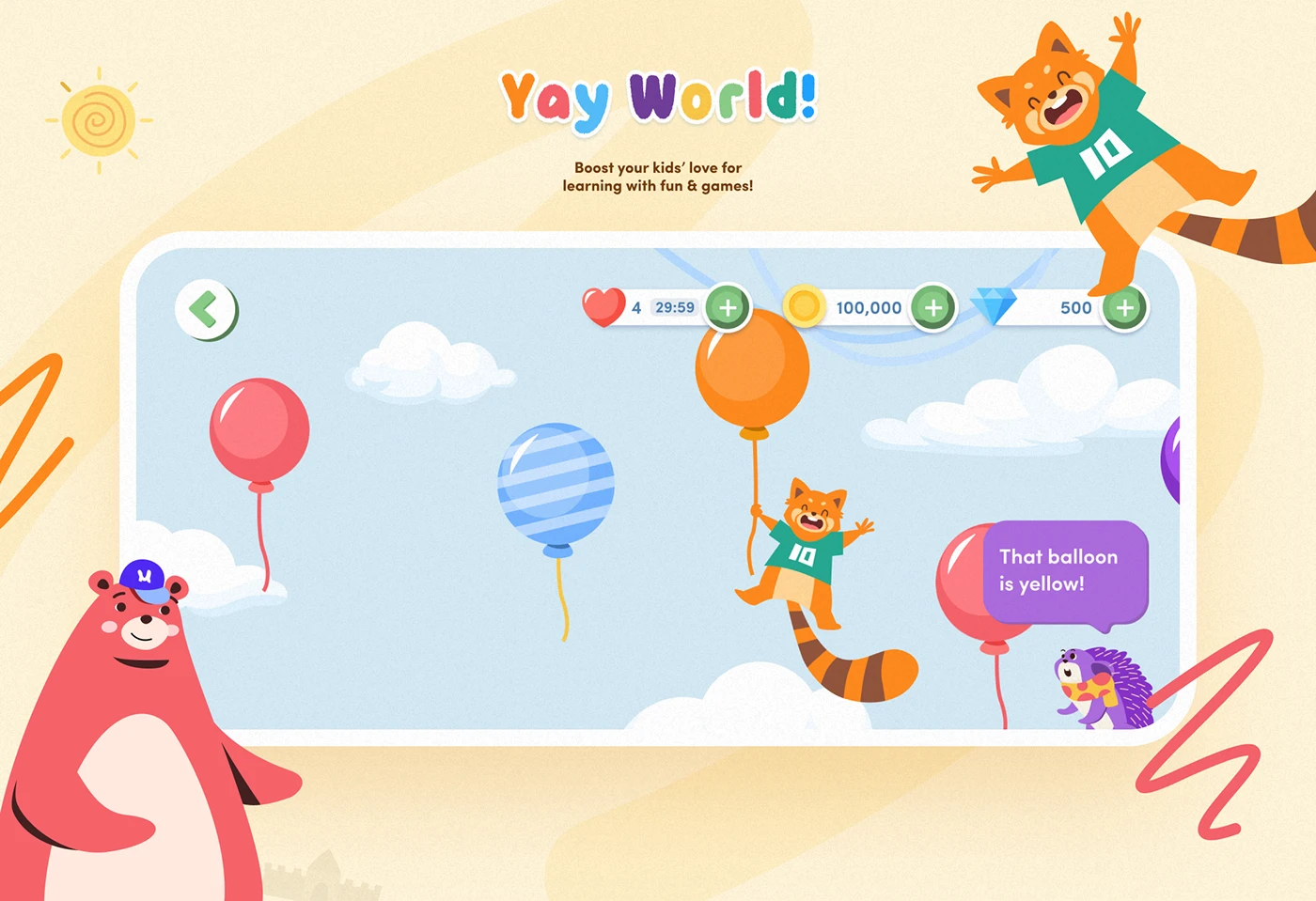
Inside the games, the core idea is that kids don't know they're learning. In the balloon game, the raccoon jumps out holding an orange balloon and says "That balloon is yellow!" — kids tap the correct balloon and get stars and coins. They think they're playing with balloons, but they're learning vocabulary. The interface uses large touch targets, simple gestures, and immediate visual feedback with animations and sounds — no small text.
Parental Zone
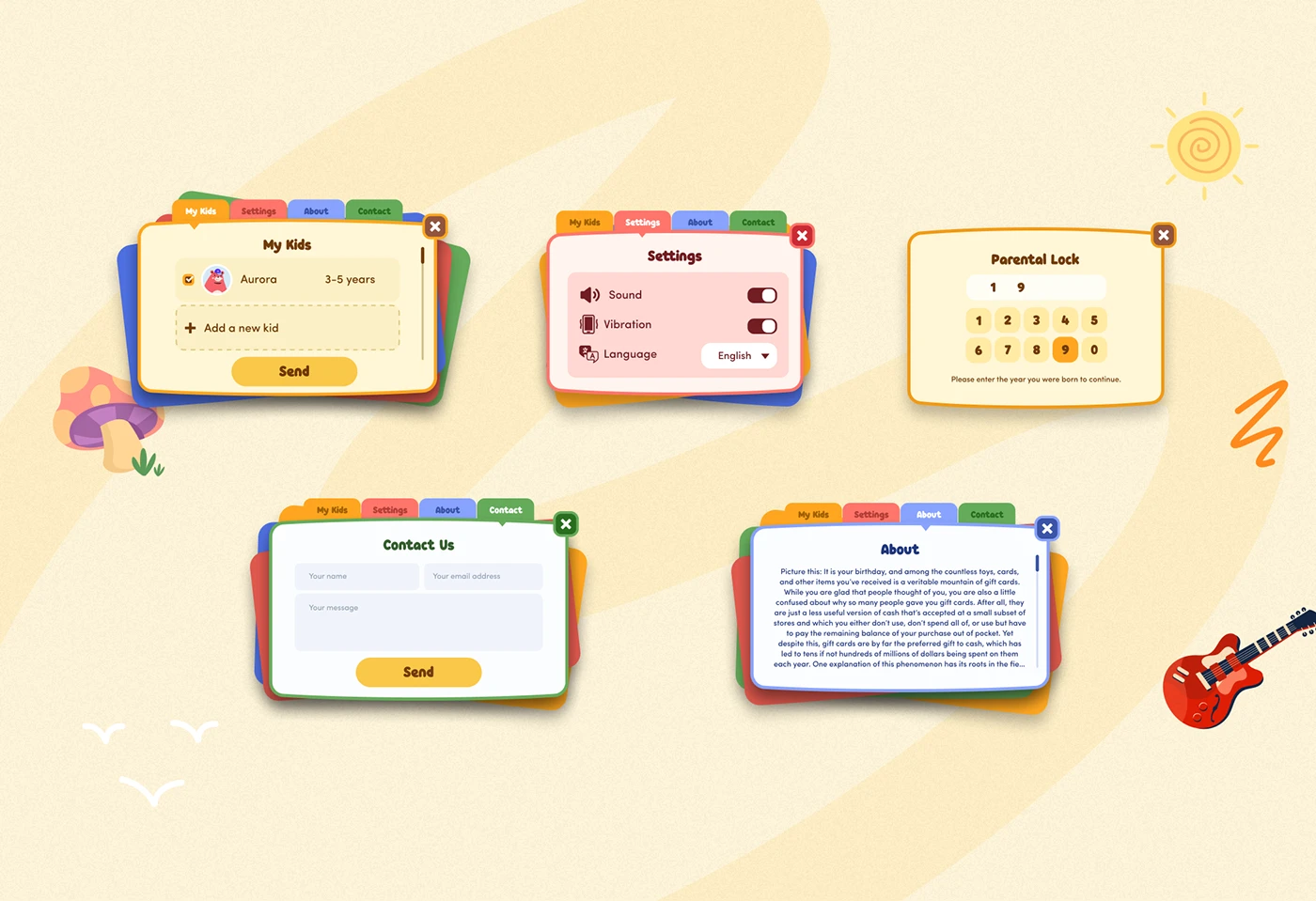
We designed a separate parental area with a completely different visual language — calm, clean and functional. It includes child profiles, settings, contact information, and a birth-year parental lock that prevents children from entering by accident.